Detailed below is a reimplementation of Aaron Hertzmann’s “Painterly Rendering with Curved Brush Strokes of Multiple Sizes”, from the 1998 SIGGRAPH conference. This implementation is done in Java and provides a user interface for controlling all of the values specified by Hertzmann using a slider based interface.
Implementation Details
The tool that was used to create renderings that are sampled in this assignment is a Java Swing application which allows the user to interactively modify all of the parameters that were described in the original paper by Hertzmann in addition to parameters associated with edge rendering for the assignment extension. The JHLabs Image Processing Filters were used to perform the Gaussian Blur filter described in the paper. The generic Convolution filter in the JHLabs package was also adapted to create the Sobel operator required for edge detection. The default JTabbedPane Swing component does not have a means of rendering the tab title rotated 90°, so a small Java class which added this functionality was used (courtesy of Santhosh Kumar).
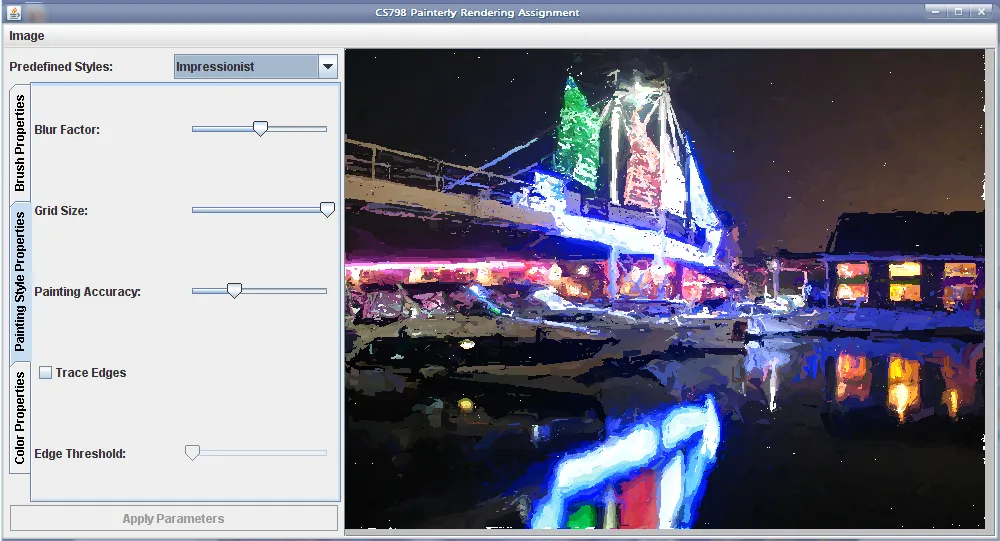
The user interface for the tool logically groups the parameters described in the paper and uses a slider based interface for modifying the parameters. Since the algorithm does not work in real time, the contents of the display pane are not updated until the user presses the “Apply Parameters” button in the interface. The interface additionally provides 4 presets which match the different painting styles that Hertzmann uses as examples on page 6 of the paper. Figure 1 shows the user interface for the painterly rendering generation tool.
Figure 1: Screenshot of the UI in Action
Special Canvas Colour
In Hertzmann’s paper the pseudocode describes clearing the canvas to a “special” colour such that the colour difference calculation returns the maximum possible value regardless of actual colour. For the purposes of this tool, this description is implemented as an additional 1-bit mask of the canvas, that is initially cleared to all 0. Whenever a stroke is placed on the canvas, the mask is set to 1. The color difference function takes this into account and returns MAX_DIFFERENCE whenever the mask is 0.
Randomized Stroke Placement
Hertzmann suggests using the OpenGL depth buffer to randomize the placement of strokes. Since the Java Graphics Library does not have a dedicated depth buffer, an alternative approach had to be taken. Each jittered grid location that is going to receive a colour is first stored in a list, and then once the entire layer has been scanned, elements are randomly pulled from the list and strokes are placed on the canvas. This is obviously a more space hungry algorithm as compared to using the Depth Buffer, but it is not as bad as buffering all of the strokes that would be painted, since the algorithm only needs to store a (x,y) coordinate in memory.
Bugs and Errata
Generally speaking, the reimplemented algorithm works well. There are certain instances where this implementation seems to produce inadequate results in comparison with the original results by Hertzmann. In particular, the following areas seem to be problematic:
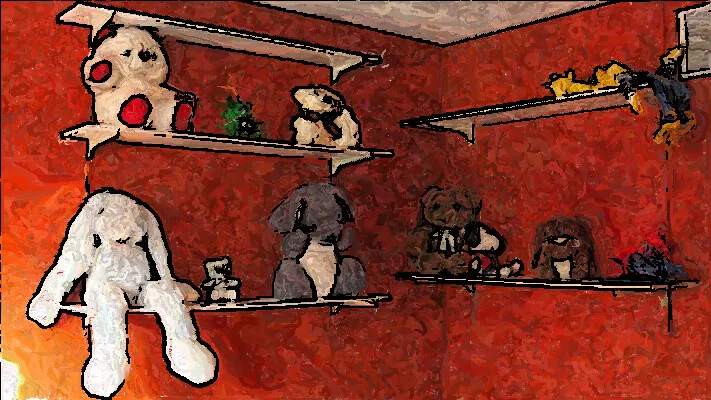
When the algorithm is run against certain inputs, there are white regions peeking through which should have been painted over. The top left corner of Figure 1 shows these artifacts predominantly. Unsure what the cause of these artifacts is, but it may just be the way that the image is structured does not agree with the algorithm
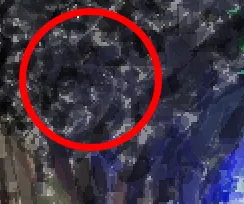
Figure 2: Example of poor brush opacity.
Brush opacity has a tendency to create wispy grey areas in the output image. This is probably because of an Alpha Channel multiplication issue (i.e. should alpha be premultiplied perhaps?), and although it produces output that is different in style from Hertzmann’s examples, the style that it does produce is interesting in its own right. Figure 2 shows a highlighted region of a “Colourist Wash” rendering that has dabs of grey in the black region. This visual artifact is not present in Hertzmann’s original paper.
Interestingly, colour jittering had to be implemented before the “Expressionist”, “Colourist Wash”, and “Pointillist” gave reasonable renderings. The original intent was to not implement this portion of the paper, but inadequate results forced it.
Extension Details
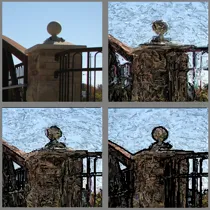
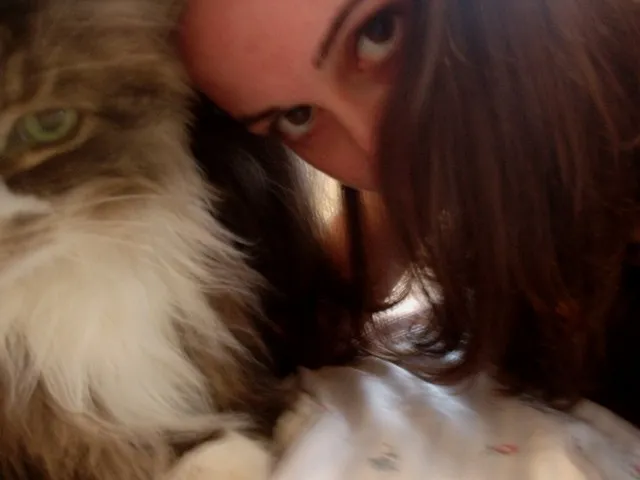
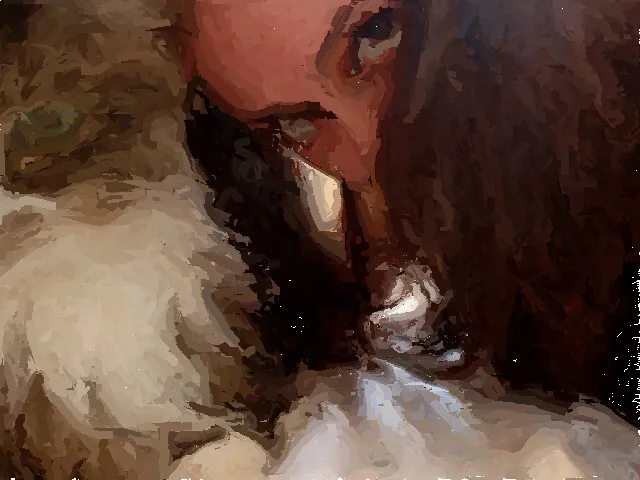
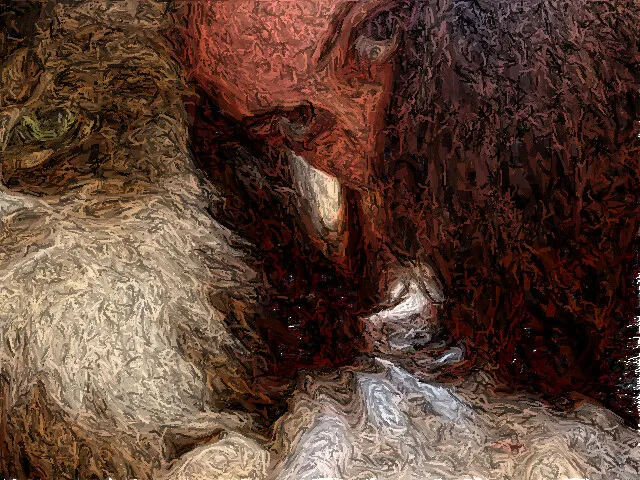
Figure 3: Example of Edge Delineation. Top-Left: Original Image segment, Top-Right: Expressionist, Bottom-Left: Expressionist + Subtle Edges, Bottom-Right: Expressionist + Hard Edges.
As an extension to the original algorithm, edge highlighting can optionally be added to the output rendering through the interactive user interface. An edge threshold slider determines what exactly is considered an edge in the source image. Below is a description of how this edge highlighting was added to the original algorithm. As explained in the assignment outline, being able to delineate the edges of the source images can give a significant impact to the output images, and produces distinct painterly styles on top of the four presets that Hertzmann described in the paper. For example, Figure 3 shows how the “Expressionist” painting style is significantly different from “Expressionist + Edges”. They each give a different take on the source image.
Implementation
To get edges that fit into the painting style defined by the parameters, the following algorithm was added onto the end of the original Painterly Rendering algorithm described by Hertzmann:
Clear 1-Bit Mask so that Canvas is considered to be empty.
Paint over Source Image in Black “Ink”
For all (x,y) if gradient(x,y) < Te * max { all gradients } then gradient(x,y) = 0.0
call paintLayer with the smallest brush size available.
Where Te is the edge threshold parameter.
Note that after the initial output is rendered, the image gradients that have been calculated are for the smallest brush size available, so the edge drawing algorithm can just reuse those gradients.
The bottom half of Figure 3 shows the effects of changing the Te parameters. The left plate is rendered using a higher Te value, whereas the right plate is rendered using a lower value.
Measure of Success
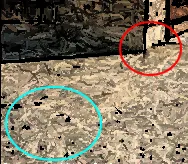
Figure 4: The red highlighted portion should have a more defined edge, and the blue highlighted portion should not have any “edges”
The implementation of edge delineation used for this extension is fairly successful in giving a more significant impact, and raising the overall “energy” of the output renderings for the source photographs used to test this implementation of Painterly Rendering. However, the edges that are drawn using this method are frequently far too rough and not evenly distributed over the correct portions of the image. That is, because of the thresholding performed, some parts where I would naturally place an edge are skipped over, and instead some other portion of the rendering gets a black splotch. Figure 4 shows a perfect example of the phenomenon.
The gradient can also be cleaned up a bit before using it for such a sensitive operation. For instance, the gradient signal can be denoised to prevent the black splotches from showing up, or the histogram of the signal can be tweaked to remove outliers from the signal, producing more defined edges. A better edge detection algorithm will of course provide better hints as to which regions should be painted and which regions should be left.
Gallery
Eyes
This photograph was used as a test suite for the algorithm, to ensure that the algorithm gives expected results when compared against the presets defined by Hertzmann.
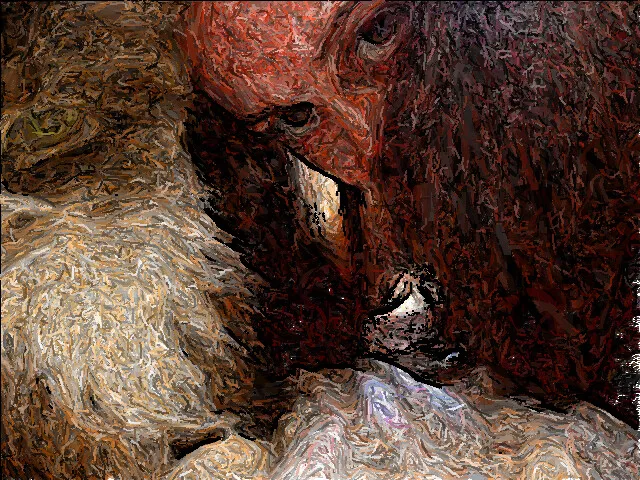
Notice the flow direction of the girl’s hair. The brush strokes of the Painterly Rendering Styles should closely follow the same flow direction.
As expected, the brush strokes closely follow the flow direction of the girl’s hair.
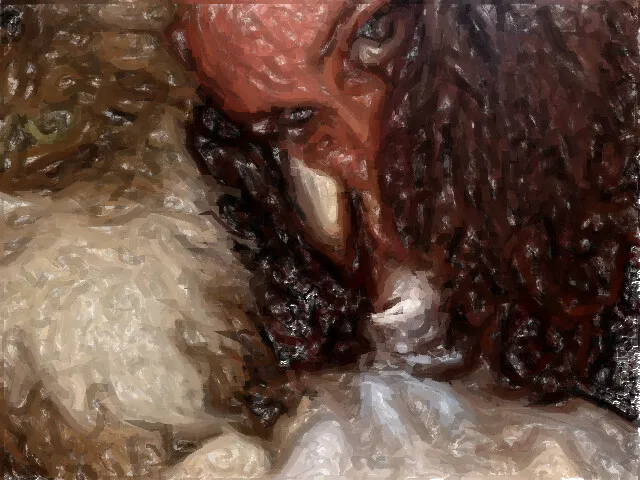
Even more pronounced in this painting, the brush strokes clearly define the bridge of the girl’s nose, showing that subtle changes in colour are followed by the algorithm.
Notice the grey blotches all over the painting. This is caused by a bug in the colour opacity code.
Boats
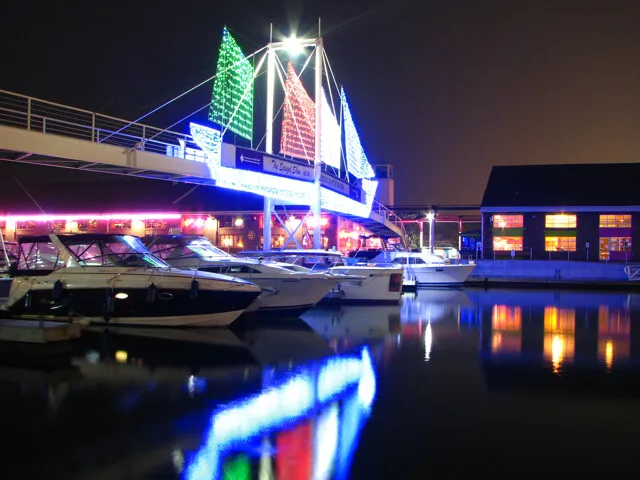
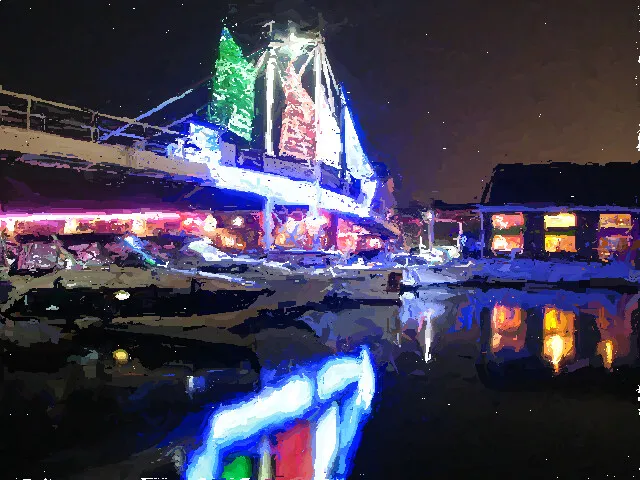
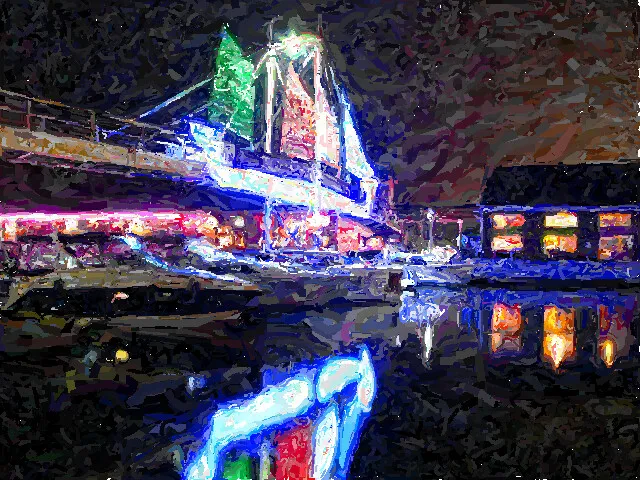
Notice the high amount of detail on the sails of the light boat and the lighting behind the boats. The detail capturing portion of the algorithm should capture these details.
As expected, the detail is captured to some degree by the algorithm. Notice the white dots in the sky and water. These are caused by a rendering bug in the Painterly Rendering tool.
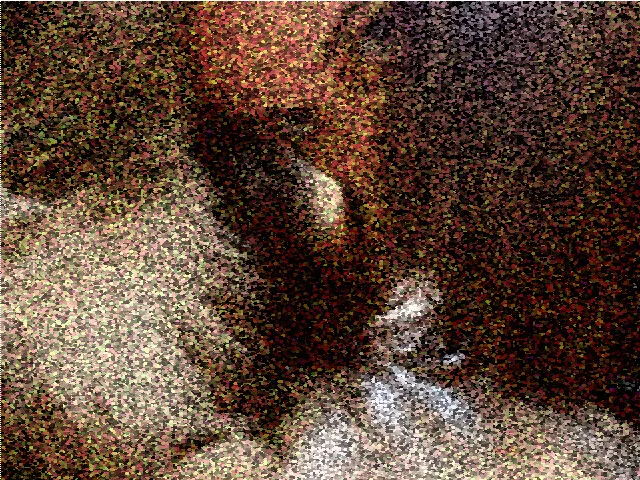
Same as Impressionist but with Saturation channel being jittered at maximum and Value channel being jittered minimally.
Stooges
This photograph has many many well defined edges making it ideal for the edge rendering extension of this assignment.
Custom settings with edge rendering turned on, maximum stroke curvature, minimal jittering on Saturation and Red channels, nominal jittering on the Value channel, and high error threshold.
Waterloo Park Bridge
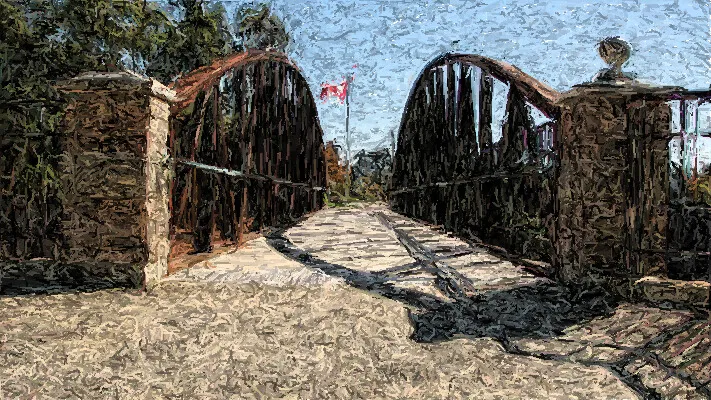
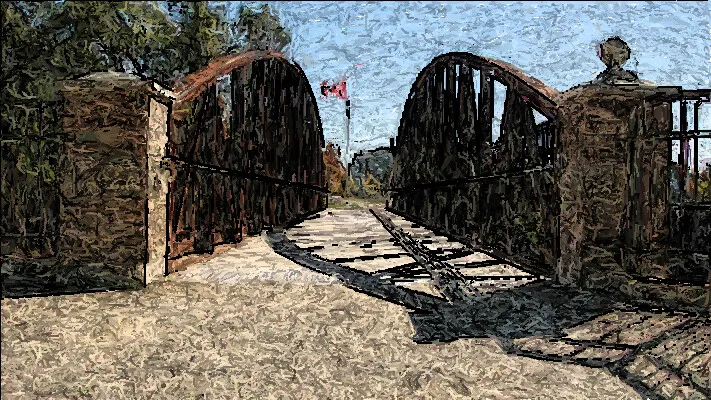
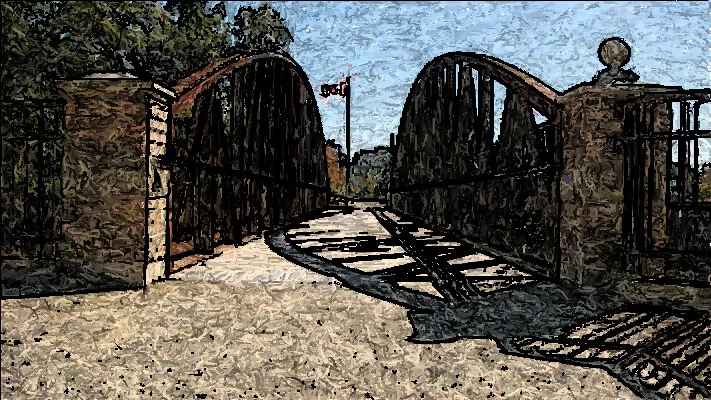
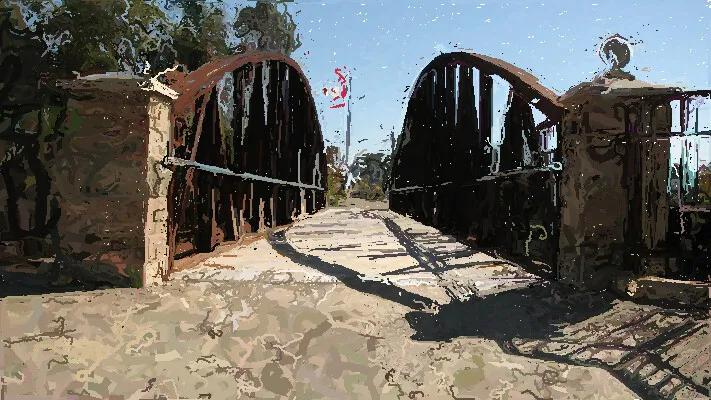
The expressionist style should jitter the colour values of the painting appropriately.
Notice how too low an edge threshold value causes some of the edges to not be coloured in correctly.
Notice how too high an edge threshold causes too many edges to be painted in.
Notice the very long strokes that are being used all over this image. This shows that the stroke length code is working correctly.