Weighted Voronoi Stippling
Phoenix
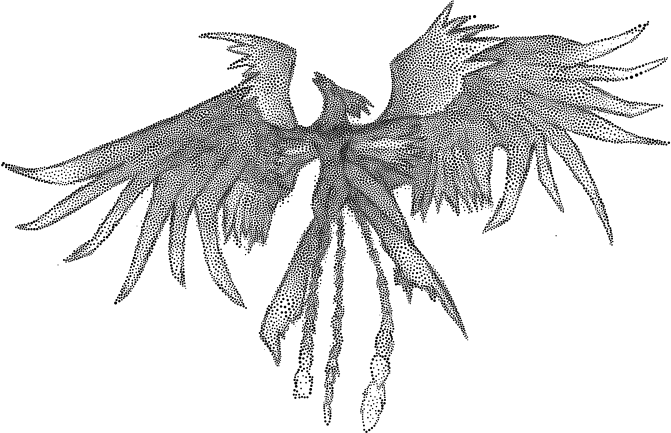
Stippling is the creation of a pattern simulating shading by using small dots. Such a pattern may occur in nature and these effects are frequently emulated by artists[1]. Adrian Secord first outlined a method of algorithmically generating the stippling pattern in his 2002 NPAR paper entitled “Weighted Voronoi Stippling”. The application presented below is an independent implementation of the ideas of the NPAR paper. This was originally done as a university assignment for Professor Craig S. Kaplan, but has since been fine tuned, sped up, corrected, and generally speaking changed beyond recognition. For a more technical take on this tool, please refer to the implementation details.
Downloads
- The program is open-source and the source code is available on GitHub.
- Windows Executable (4.2 MB). Requires Microsoft Visual C++ 2010 SP1 Runtime Library.
- A MAKEFILE is available in the GitHub repository which can be used to build binaries for Linux and Mac OS X.
Documentation
Full documentation for the command line arguments is available in the command line options section below.
Image Gallery
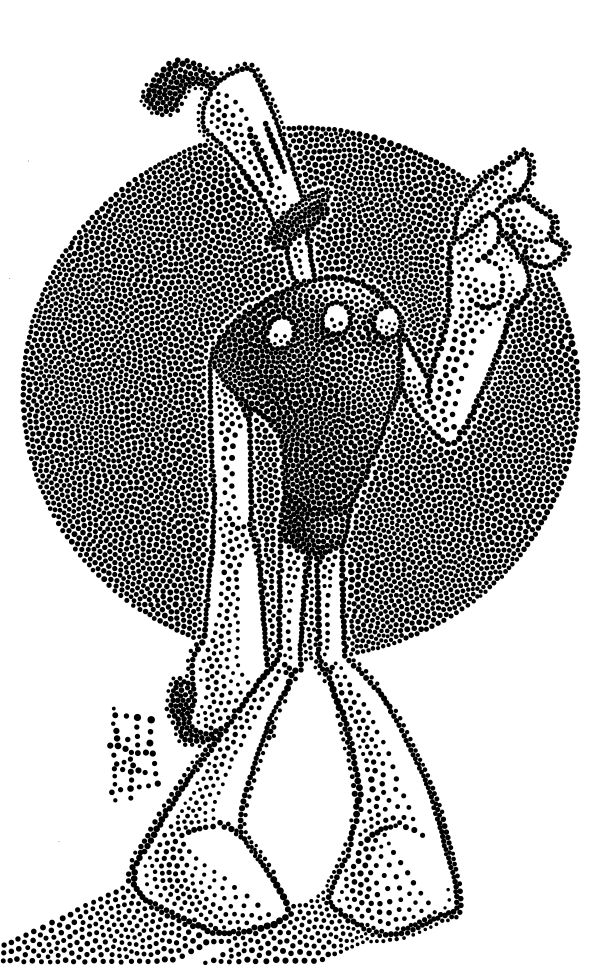
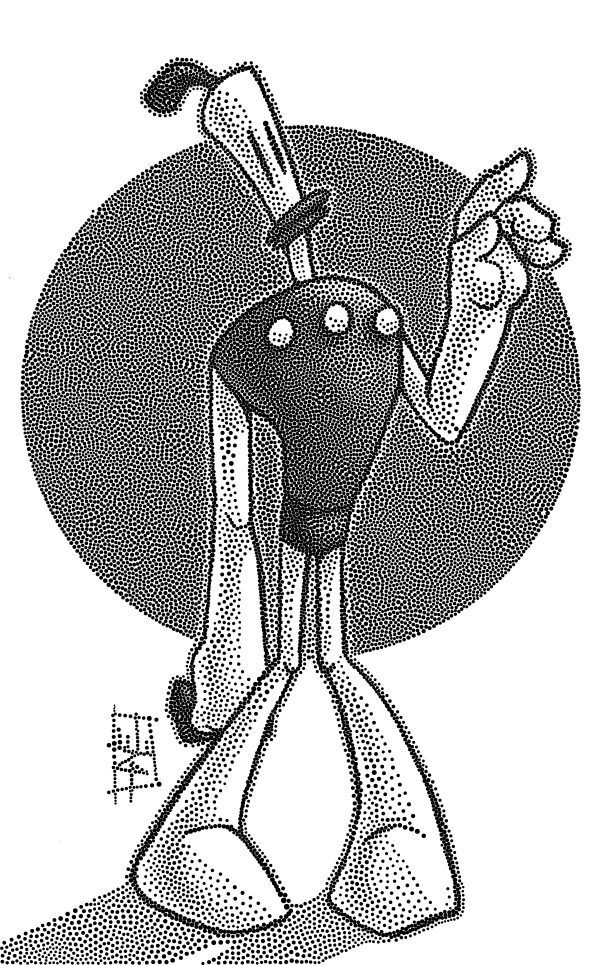
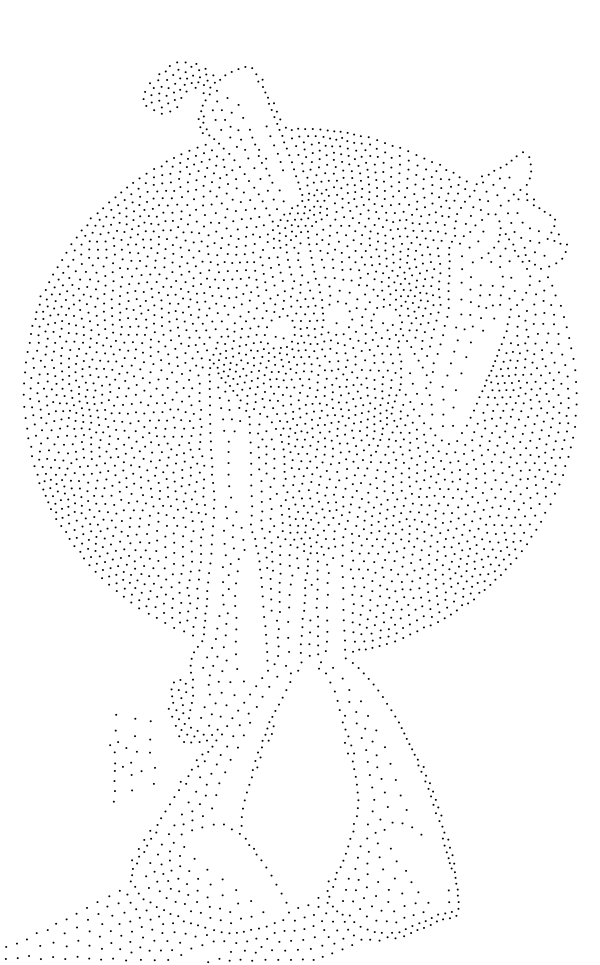
Klaymen

This image has multiple tones as a result of the interplay between the shadows and highlights on the character’s body.
Vase
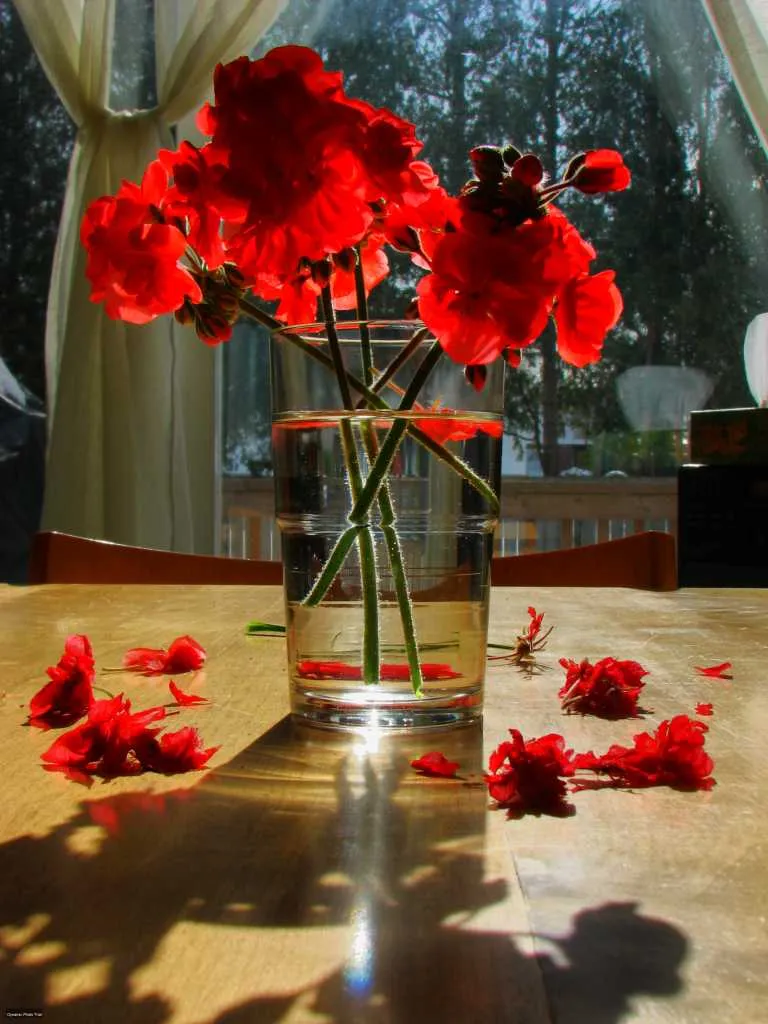
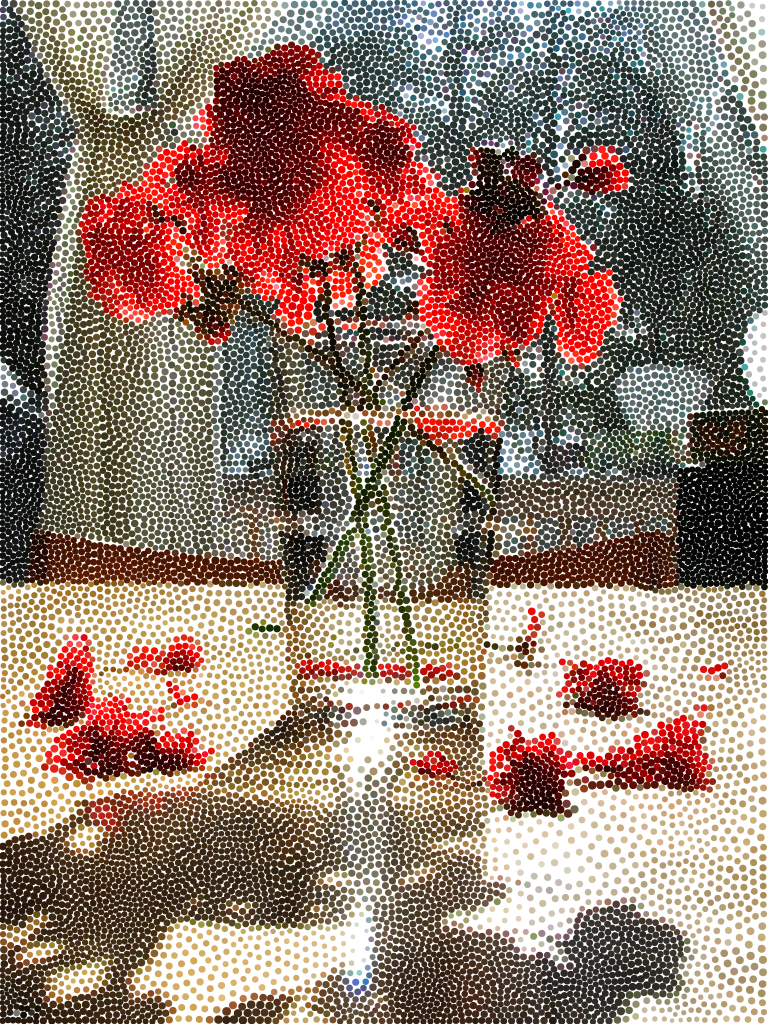
Fairy Eyes
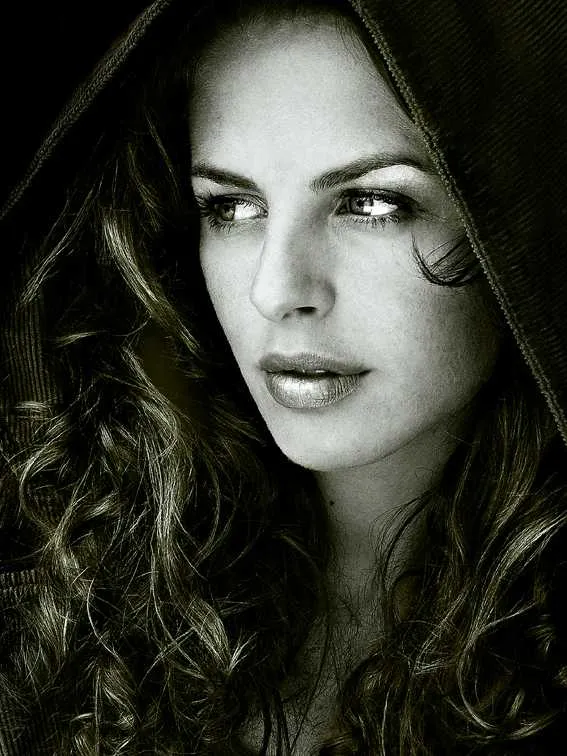
A “Black and White” image with varying tone values and sharp details in some areas (the woman’s hair).
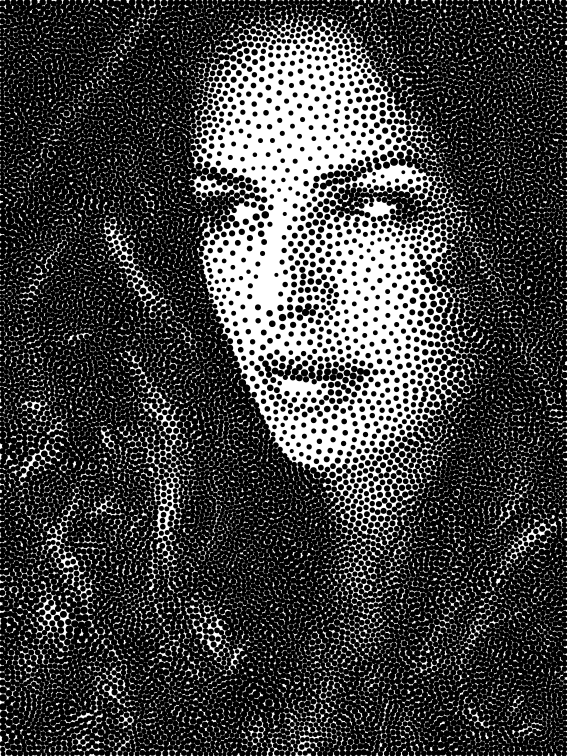
Note how the tonal changes in the woman’s hair have been captured by the algorithm.
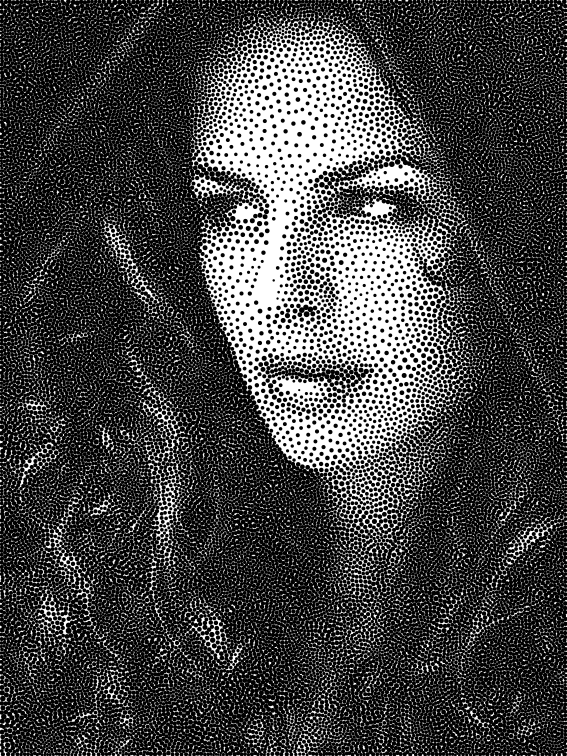
With 28000 stipples the high amount of detail in the woman’s hair has been captured almost completely.
Implementation Details
The Stippling program is a command line utility that outputs an SVG file with the stippled rendition of an input PNG image using a set number of stipple points. The program is an implementation of the ideas found in Adrian Secord’s paper. The program follows the same general algorithm outlined in Secord’s paper. That is, the program first generates a set of initial stipple points using rejection sampling, followed by Lloyd’s Method to evenly space out the stipple points. However, instead of using the approximation technique used by Woo et al, this implementation computes a precise geometric Voronoi diagram using a slightly modified version of Fortune’s algorithm provided by O’Sullivan. The program then calculates the centroids of the Voronoi cells using a variably spaced numerical integration over the area of the Voronoi tile. In addition, the program uses the centroid computation to compute a variable radius size for each of the stipple points.
Varied Stipple Sizes
To create varied stipple sizes that preserve tonal qualities, the following algorithm is used: Calculate the area A of the Voronoi cell, while taking into account the colour density of the cell as well (so darker cells have a larger area than lighter cells). Then, using A, calculate the radius of a circle that would fit into that area. Essentially, the program finds the volume under the density map for any given cell using a very simple Gaussian numerical integration. This creates stipple dots that preserve tone.
Cell Centroid Area Calculations
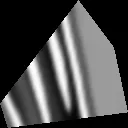
Figure 1: Example of a Voronoi Tile with Intensity Map.
To calculate the area of a cell, the following technique was used:
- Compute the bounds of the Voronoi cell and construct n clip lines such that points that fall outside the Voronoi cell are clipped. Figure 1 shows a graphical representation of such a Voronoi Tile.
- Perform a Gaussian numerical integration over the Voronoi Tile using the clipped version of the intensity map of the image as input.
Optimizations
The computation of the centroid area is embarrassingly parallel since each centroid area can be computed independently of the others. The program parallelizes the workload rather simply by using OpenMP for the centroid cell computation.
Command Line Options
All options for the utility take two forms, the long form and the alias form. Both variants, along with the functionality of the parameter are detailed below. If a parameter takes an argument, it is noted in the tables as well.
Required Options
| Parameter | Shortform Alias | Takes argument | Description |
|---|---|---|---|
--input-file |
-I |
✓ | The input file. Must be a PNG image. |
--output-file |
-O |
✓ | The name of the file to output. |
NOTE: These two parameters are positional, meaning that as long as --input-file comes before --output-file on the command line, the argument names can be dropped.
Example
voronoi input.png output.svg: Using the PNG image input.png create an SVG image output.svg with the Stippled render.
Basic Options
| Parameter | Shortform Alias | Takes argument | Description |
|---|---|---|---|
--stipples |
-s |
✓ | The number of stipple points to render. Generally speaking, the larger the number of stipples, the more detailed the resulting output image, at the expense of longer render times. Defaults to 4000. |
--colour-output |
-c |
✗ | If this parameter is present, the output render will be in colour. Defaults to OFF (That is, rendered output will be in black and white). |
Example
voronoi -s 18000 -c input.png output.svg: Using the PNG image input.png create a colour SVG image output.svg with 18000 stipple points.
Advanced Options
| Parameter | Shortform Alias | Takes argument | Description |
|---|---|---|---|
--threshold |
-t |
✓ | The cut-off point for the convergence of the stippled output. The unit of this value is the averaged displacement of all stipple points after an iteration of Lloyd’s method. That is, if the averaged displacement is lower than this value, then the rendering process has finished. After each iteration of the rendering process, the expectation is that the stipple points have moved closer to their ideal spot. Generally speaking, the lower this value, the less noisy the rendering will be (a desirable quality) at the expense of longer render times. As a rule of thumb, the more stipple points there are, the lower this value should be, but lots of fiddling is necessary to get an ideal outcome. Defaults to 0.1. |
--no-overlap |
-n |
✗ | Guarantees that stipple points will not overlap each other at the expense of some tone preservation. Defaults to OFF. |
--fixed-radius |
-f |
✗ | The radius of all stipple points will be equal regardless of the intensity of the input image. Defaults to OFF. |
--sizing-factor |
-z |
✓ | The radius of each stipple point will be multiplied by this factor. Use this parameter to control the tone preservation quality of the output image. Defaults to 1.0. |
--subpixels |
-p |
✓ | Controls the tile size of centroid computations. Theoretically, higher values produce more faithful tone preservation at the expense of rendering speed, but real world outcomes are highly variable. Defaults to 5. |
--log |
-l |
✗ | Determines whether the utility will produce an output log or not. If there is a problem with the utility, the output log may prove useful in diagnosing the problem. Defaults to OFF. |